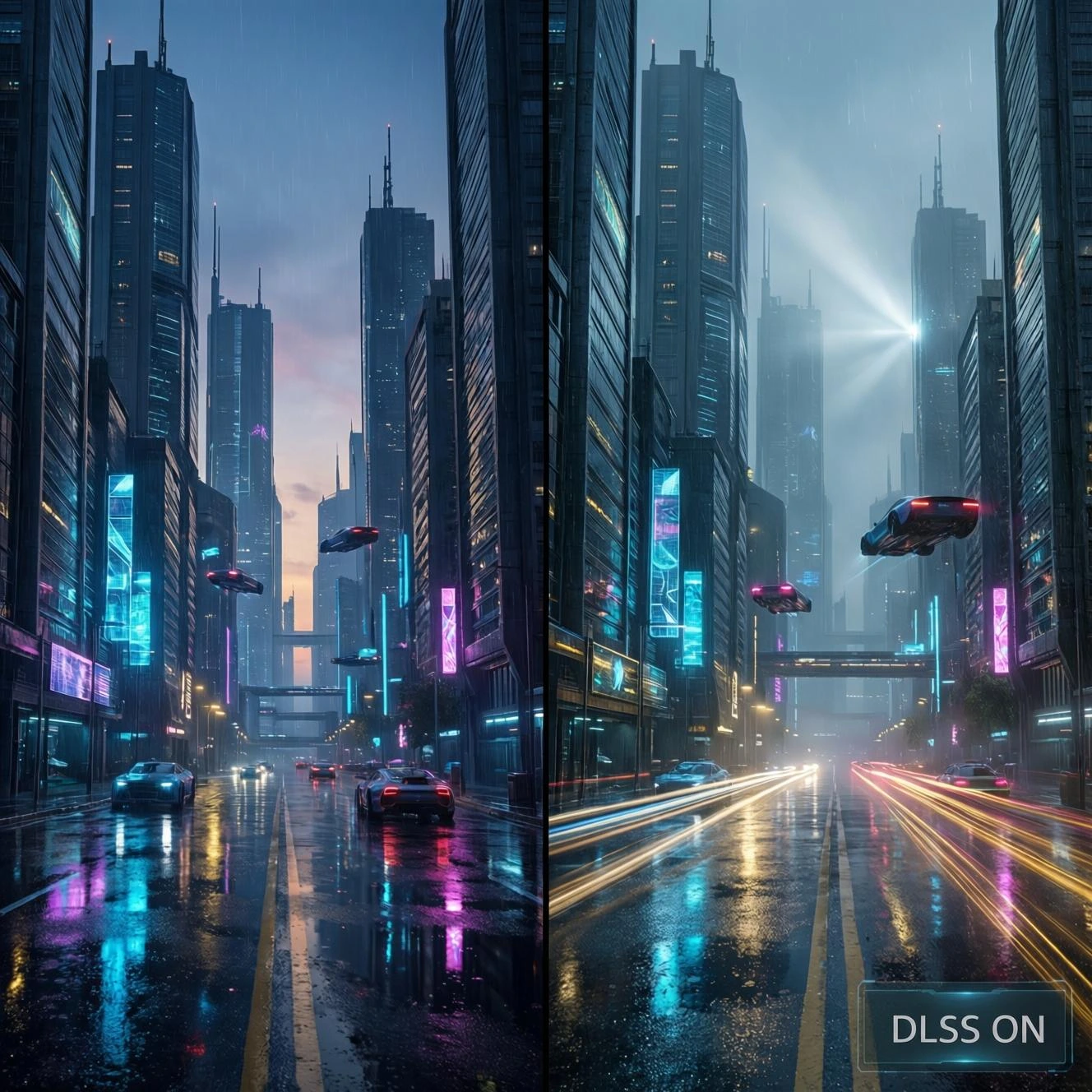
I still remember the first time I enabled DLSS in Control. I was struggling to maintain 60fps at 1440p with my RTX 2070, even with settings dialed back. Flipping that switch felt almost like cheating suddenly I was running the game at higher settings with better performance than before. That moment fundamentally changed how I thought about graphics technology in gaming.
AI upscaling has become one of those rare technologies that genuinely delivers on its promises. But like anything in the tech world, it’s not magic, and understanding what’s actually happening under the hood helps you make better decisions about when and how to use it.
What AI Upscaling Actually Does
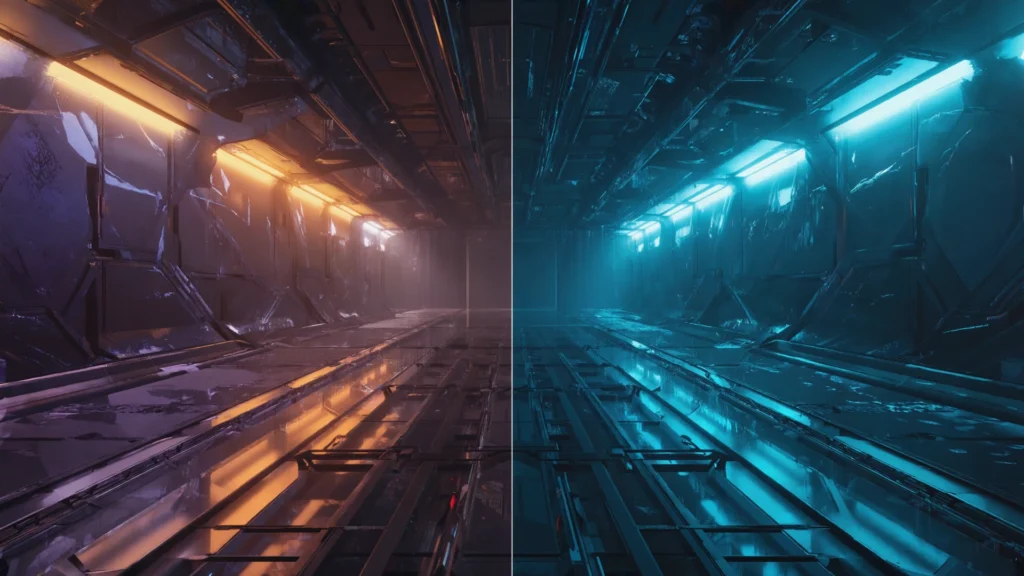
At its core, AI upscaling lets your graphics card render a game at a lower resolution say, 1080p and then intelligently scale it up to your monitor’s native resolution, like 1440p or 4K. The “intelligent” part is what separates this from traditional upscaling methods that just stretch pixels and end up looking blurry.
These systems use machine learning models trained on thousands of high quality images. The neural network learns to recognize patterns, edges, textures, and details, then reconstructs what the higher resolution image should look like. Think of it as an educated guess, but one informed by massive amounts of training data.
The performance gain comes from simple math. Rendering at 1080p requires processing roughly 2 million pixels. Jump to 4K, and you’re handling over 8 million pixels four times the workload. By rendering fewer pixels and reconstructing the rest, you can get most of the visual quality with significantly less performance cost.
The Main Players
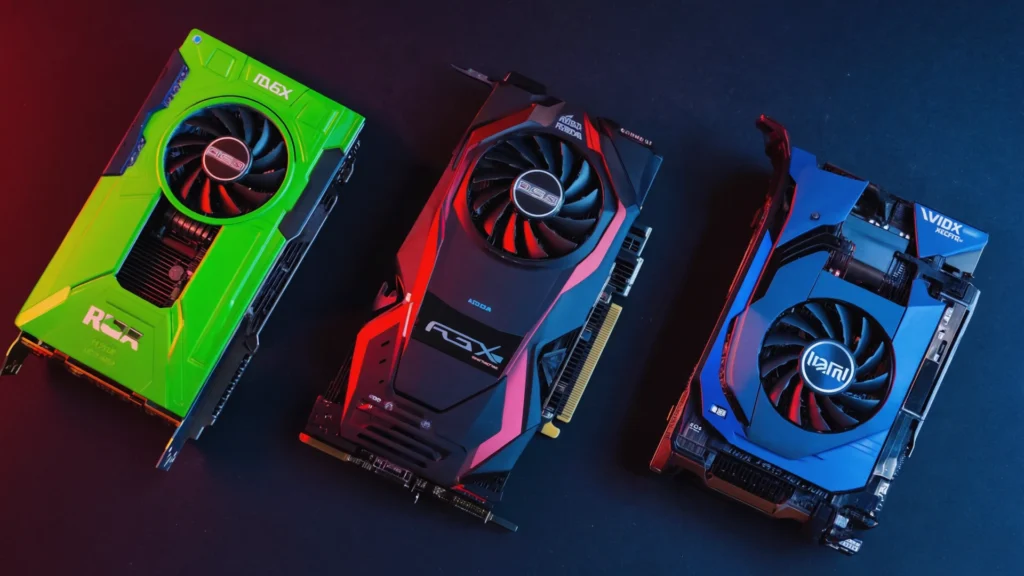
NVIDIA’s DLSS (Deep Learning Super Sampling) kicked off this revolution back in 2019. The first version was honestly pretty rough it worked in only a handful of games and sometimes looked worse than native resolution. But DLSS 2.0, released in 2020, was a game changer. I’ve used it extensively on both my old RTX 2070 and my current 3080, and in many games, I genuinely cannot tell the difference between DLSS Quality mode and native resolution. Sometimes DLSS actually looks better because of its temporal anti-aliasing component.
AMD’s FSR (FidelityFX Super Resolution) arrived in 2021 as an open source alternative. The original FSR 1.0 was more of a spatial upscaler clever, but not truly AI driven. FSR 2.0 and later versions adopted temporal techniques similar to DLSS, using motion vectors and multiple frames to reconstruct detail. The beauty of FSR is that it works on almost any GPU, including older cards and even consoles. I’ve tested it on my wife’s RX 6600, and while I’d give DLSS a slight edge in image quality, FSR is remarkably close.
Intel’s XeSS is the newcomer, launching with their Arc GPUs in 2022. It takes a hybrid approach, performing best on Intel’s dedicated hardware but also running in a DP4a mode on other GPUs. I haven’t spent as much time with it, but early impressions from the gaming community suggest it sits somewhere between DLSS and FSR in quality.
Real-World Performance Impact
Numbers tell part of the story, but the experience matters more. In Cyberpunk 2077 a game that still brings modern hardware to its knees enabling DLSS Performance mode on my RTX 3080 typically gives me a 50-70% frame rate boost. That turns an unplayable 35fps with ray tracing maxed out into a smooth 60fps or better.
The magic really shines when you’re targeting higher refresh rates. I game on a 144Hz monitor, and in competitive shooters like Apex Legends, every frame matters. DLSS lets me maintain that high refresh rate with better graphics settings than I could otherwise use. The input lag is negligible in most implementations—we’re talking maybe a millisecond or two.
But here’s what I’ve learned from extensive testing: the effectiveness varies dramatically by game. Some titles integrate it beautifully (Death Stranding, Microsoft Flight Simulator, Spider Man Remastered), while others show artifacts, ghosting, or unstable image quality. Developer implementation matters as much as the underlying technology.
When It Works (and When It Doesn’t)
AI upscaling performs best in relatively static scenes with clear edges and well defined objects. Architectural details, character models, and natural landscapes usually look fantastic. I’ve been genuinely impressed playing games like Red Dead Redemption 2 with FSR 2.1 the quality is nearly indistinguishable from native 4K.
The problems emerge with certain visual elements. Thin objects like power lines, fences, or tree branches can shimmer or disappear. Fast camera movement sometimes causes temporal artifacts brief blurriness or ghosting as the algorithm struggles to keep up. Transparent effects, particles, and UI elements occasionally look soft or exhibit strange behavior.
Resolution also matters. Upscaling from 1080p to 1440p typically works better than going from 1080p to 4K because the algorithm has more source data to work with. The “Performance” and “Ultra Performance” modes that render at very low internal resolutions can start showing serious quality compromises, especially at distances or in detailed scenes.
Beyond Just Pretty Pictures
What excites me most about AI upscaling isn’t just better frame rates it’s the possibilities it opens up. Ray tracing, which tanks performance even on high-end cards, becomes practical when paired with DLSS or FSR. I can actually enjoy those gorgeous reflections and global illumination effects without slideshow frame rates.
It’s also democratizing high quality gaming across different hardware tiers. My friend still plays on a GTX 1660 Super, and FSR has given his card a second wind, letting him play modern games at respectable settings and frame rates. On the console side, FSR is helping the PlayStation 5 and Xbox Series S punch above their weight.
The technology is advancing fast, too. DLSS 3 introduced frame generation for RTX 40 series cards, literally creating entire frames through AI prediction. It’s controversial technically impressive but introducing some latency that competitive gamers notice but it represents where things are heading.
The Honest Limitations
Let’s be clear: AI upscaling is not a replacement for actual rendering power. If you’re looking at these technologies to turn a budget card into a high end performer, you’ll be disappointed. They’re more about optimization and trade offs than miracles.
You’re also at the mercy of developer support. Not every game includes these features, and implementation quality varies wildly. Some developers nail it; others seem to check a box and call it done. And if you’re gaming at 1080p on a 1080p monitor, the benefits shrink considerably you’re already at native resolution.
There’s also an element of personal preference. Some people are extremely sensitive to any image quality difference from native rendering and hate the occasional artifacts. Others (like me) gladly accept minor imperfections for major performance gains. Neither position is wrong.
Looking Forward
AI upscaling has moved from experimental feature to expected standard in just a few years. Most major game releases now include at least one upscaling option, often multiple. Hardware vendors are competing on quality, and each new version brings noticeable improvements.
What started as a way to make ray tracing playable has become essential technology for pushing visual boundaries while maintaining performance. As someone who’s gamed through multiple generations of graphics cards and consoles, I can say this technology represents one of the most significant advances in real-world gaming experience I’ve witnessed.
Is it perfect? No. But it’s good enough that I enable it in probably 80% of the games I play, and that percentage keeps growing as the technology improves. For anyone trying to get the most from their gaming hardware, understanding and using AI upscaling has become as important as any graphics setting.
FAQs
Does AI upscaling work on any graphics card?
FSR and XeSS work on most modern GPUs, but DLSS requires NVIDIA RTX cards (20 series or newer) due to dedicated AI hardware.
Can you tell the difference between native resolution and AI upscaling?
In Quality mode, most people cannot spot significant differences in typical gameplay. Differences become more noticeable in Performance and Ultra Performance modes.
Does AI upscaling increase input lag?
Typically 1-3 milliseconds at most in standard modes, which most players won’t notice. DLSS 3’s frame generation adds more latency.
Should I always use AI upscaling?
Not necessarily. At 1080p native resolution or in games where you’re already hitting your target frame rate, it may not provide meaningful benefits.
Which upscaling technology is best?
DLSS generally offers slightly better quality on supported hardware, but FSR 2.0+ is extremely close and works across more devices. The difference is often negligible in practice.